
See learning in context
Look beyond completion to understand performance, confidence, difficulty, questions, and content use.
Strelis Intelliview™ is a learning-intelligence platform purpose-built to help health professions programs understand how students are learning. It connects performance, confidence, questions, and difficulty to competencies, giving faculty clearer insight to support students and improve the curriculum.
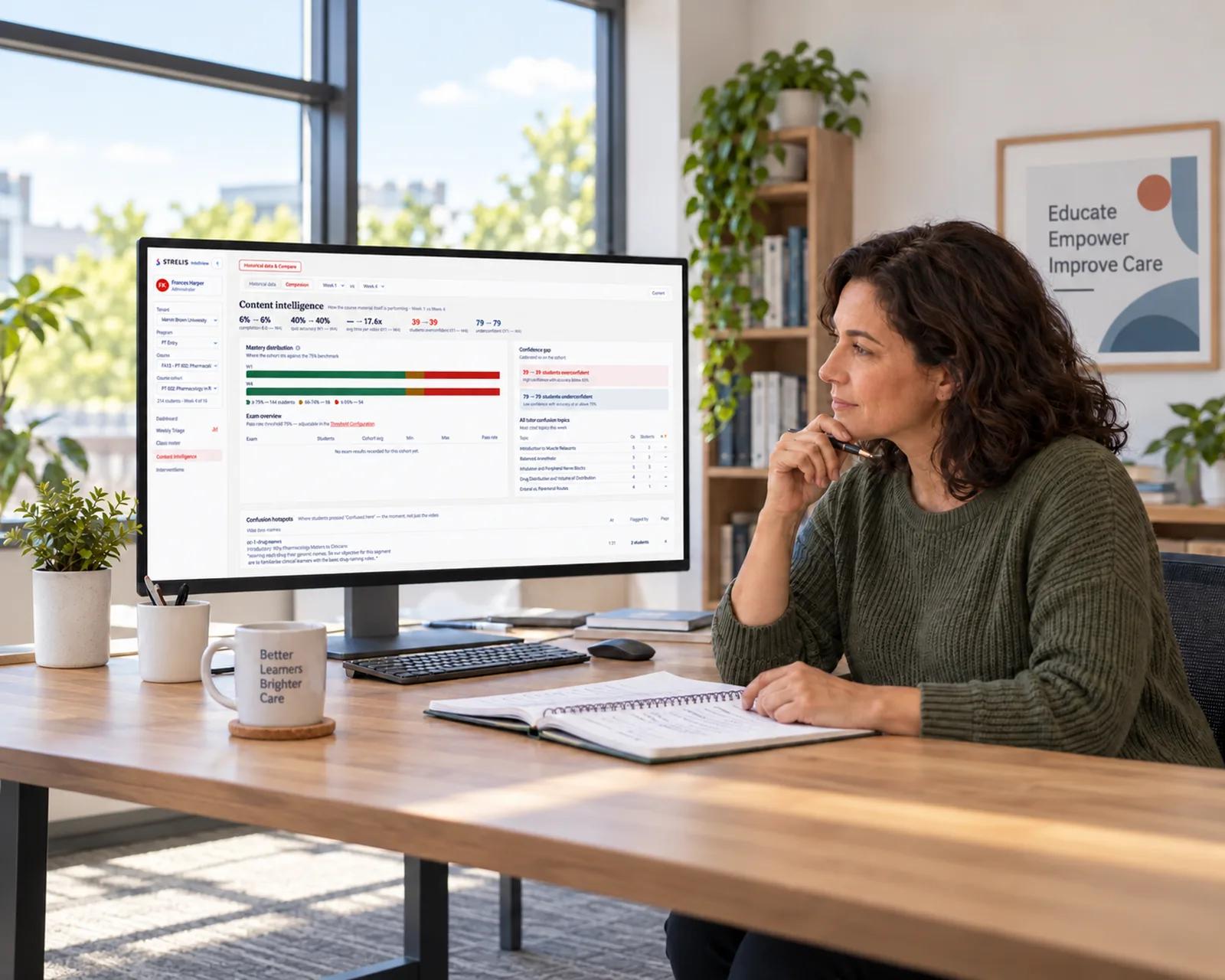
Look beyond completion to understand performance, confidence, difficulty, questions, and content use.
Relate learning activity and assessment evidence to objectives, competencies, EPAs, and standards.
Give educators clearer signals to guide discussion, reinforcement, and timely student support.
Build a more continuous view of student achievement and program performance from everyday learning.
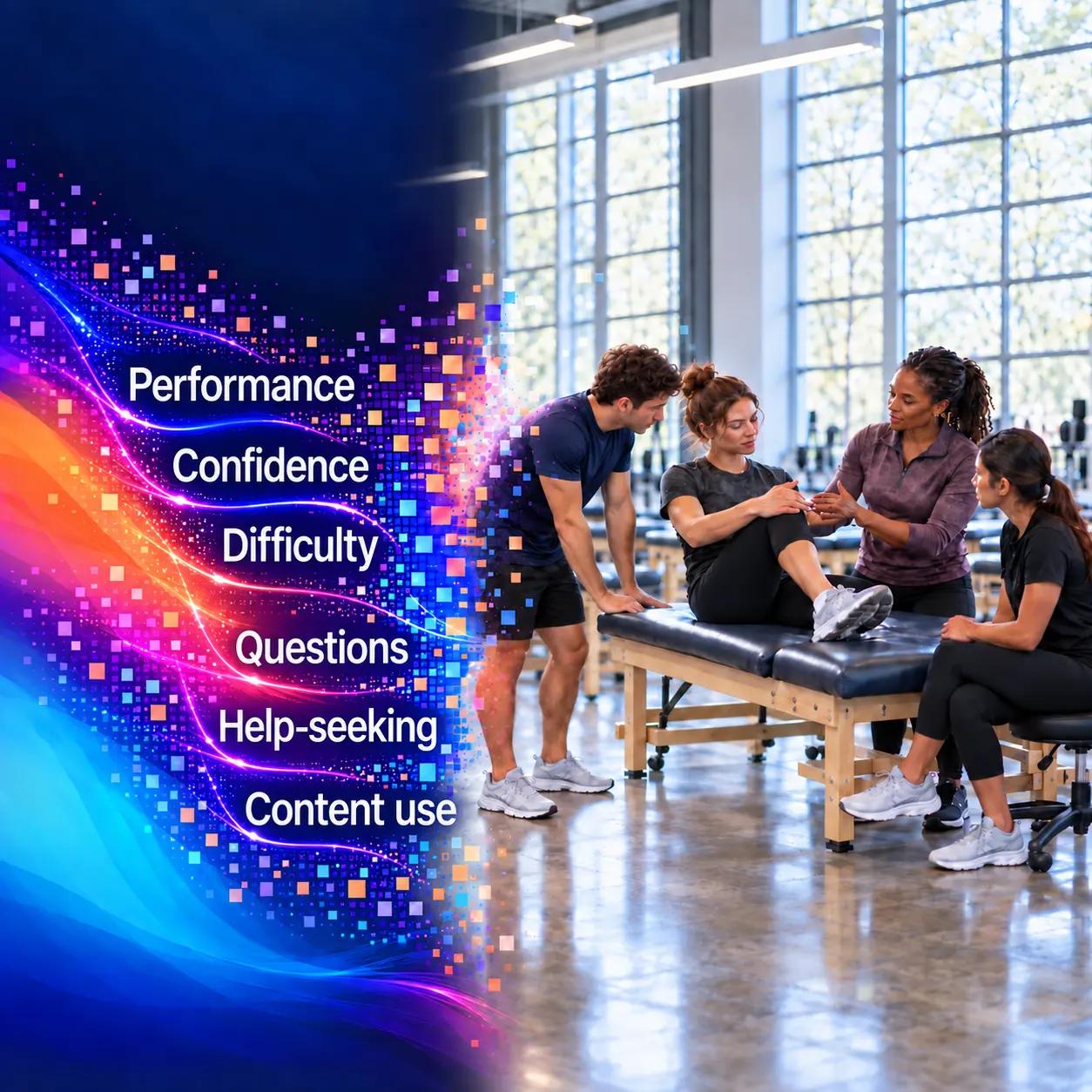
Many systems tell you whether content was accessed, identify broad student risk, or report on outcomes after data accumulates. Intelliview begins inside everyday learning. It connects performance, confidence, difficulty, questions, help-seeking, and content use to competencies and program evidence so educators gain context—not another isolated dashboard.
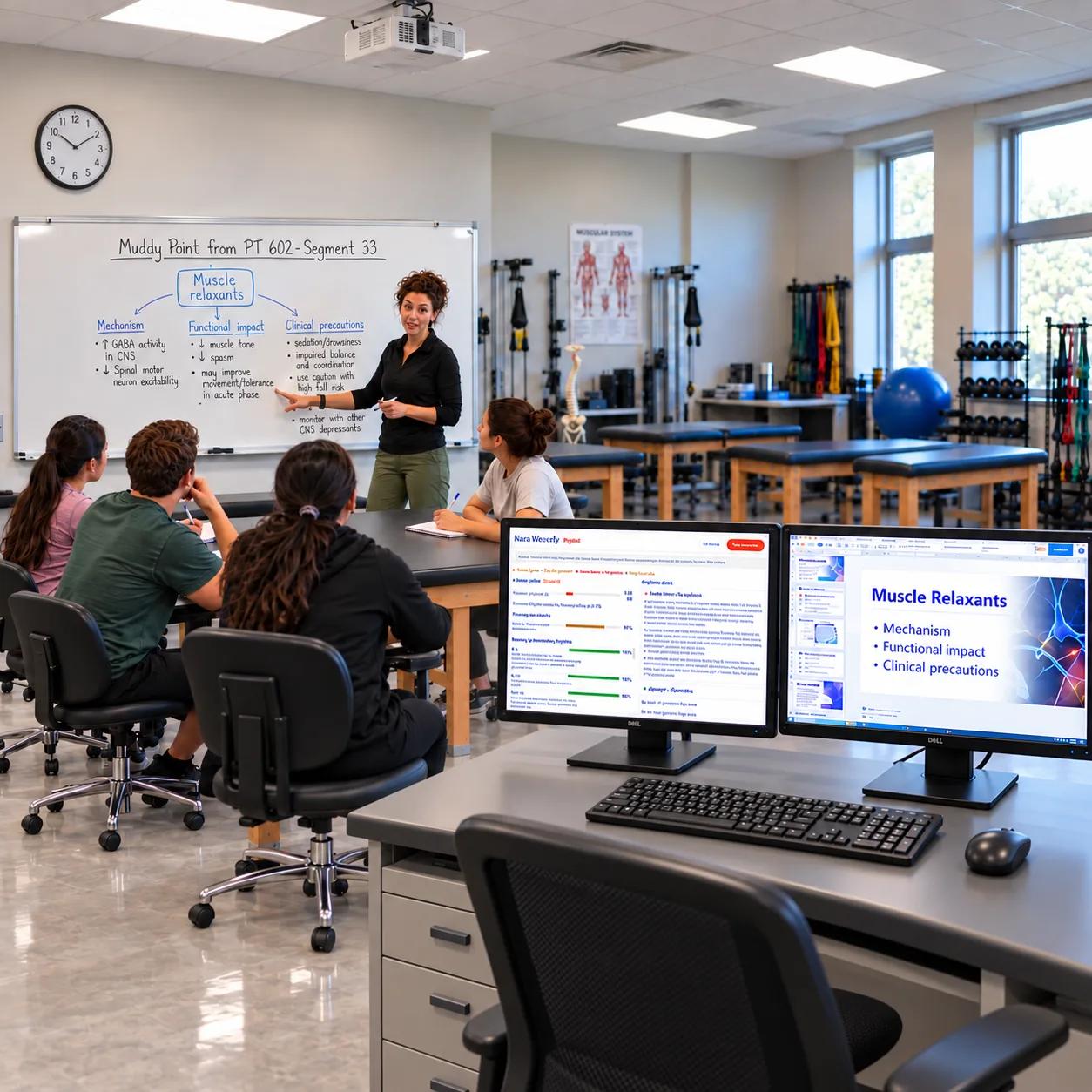
Intelliview turns everyday learning activity into connected evidence. It captures signals from content and assessment, relates them to objectives and competencies, and gives faculty context for interpreting patterns. Educators decide what those signals mean and how to respond. AI assists; faculty decide.
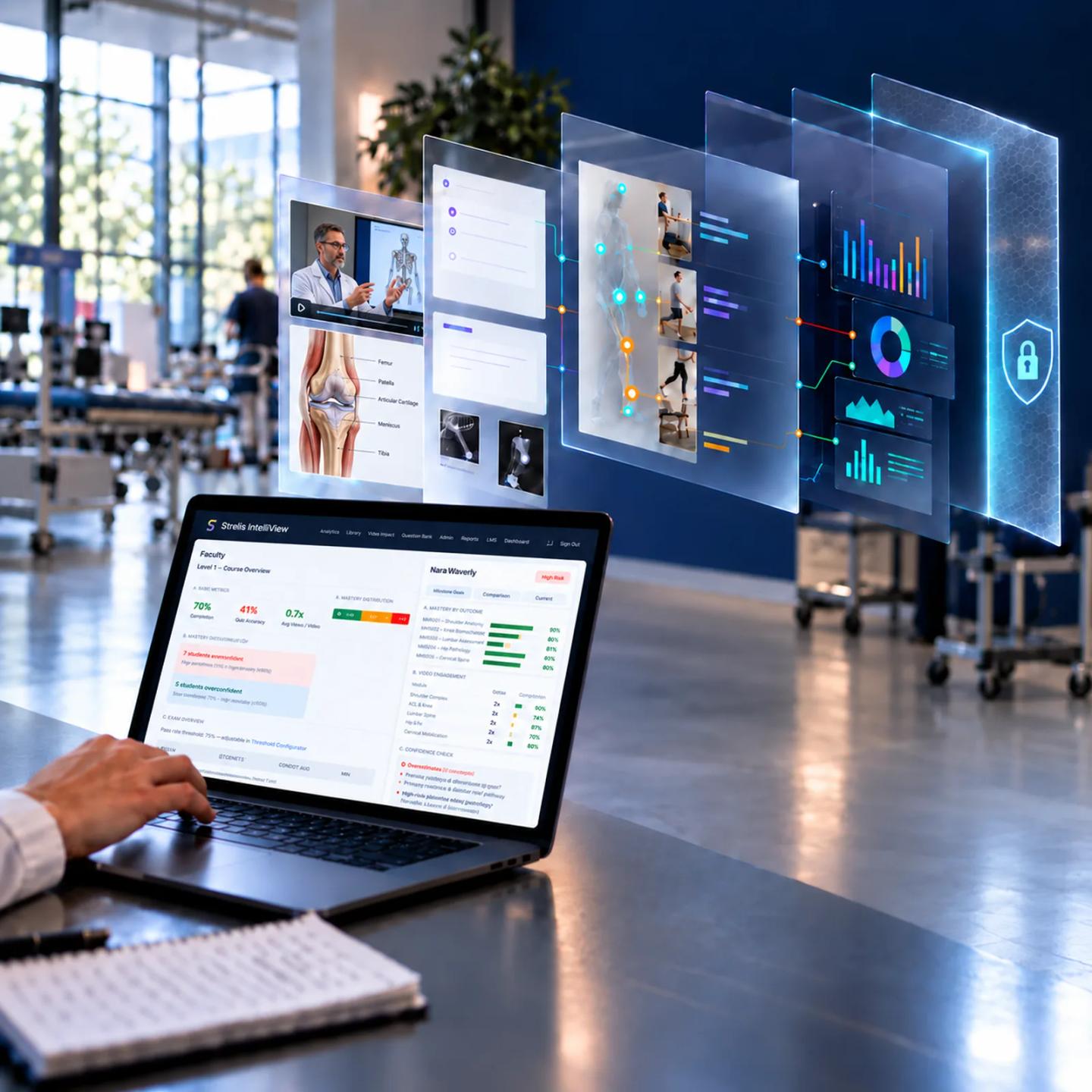
Intelliview works alongside your learning management system rather than replacing it. Students and faculty remain in a familiar environment while Intelliview adds interactive learning, structured content, and connected evidence behind the scenes.
The goal is not more data. It is better evidence for academic action. Intelliview connects signals that are often separated across content, assessment, and reporting.
Add questions, reflections, confidence checks, and difficulty markers directly within educational content.
See how learners respond to questions and assessments, not simply whether they completed an activity.
Compare what learners know with what they feel ready to apply and where they report friction.
Capture where learners ask for support, request another explanation, or flag unclear material.
Give learners AI-assisted explanations grounded in approved course content and available in the moment.
Connect objectives, questions, and assessments to competencies, EPAs, and accreditation standards.
Bring learning signals together so faculty can decide where reinforcement or support may be useful.
Use connected learning and assessment evidence to inform teaching, improvement, and accreditation preparation.
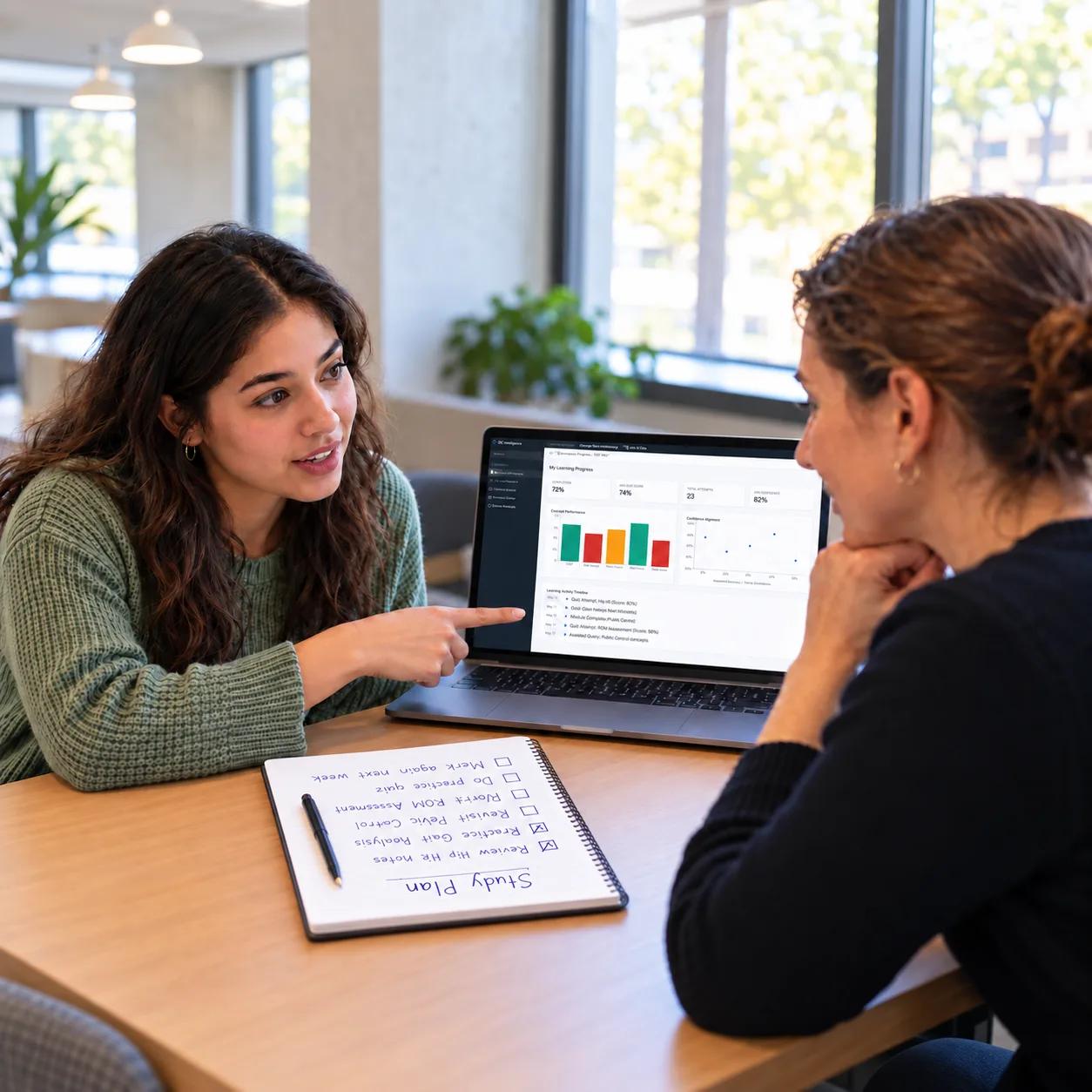
Use interactive checks and content-grounded support to identify where to revisit, question, and practice.
Discuss Intelliview
Understand where learners are struggling or uncertain and use that context to guide instruction.
Explore Faculty Solutions
Connect learning and competency evidence to program review, improvement, and accreditation preparation.
Explore Leader SolutionsUniversity of Montana
“We needed a way to reach working clinicians with a program that upheld our standards without added internal demands. Strelis™ provided the infrastructure, systems, and support to make it seamless. We gained new alumni, new revenue, and new relevance.”

Reed Humphrey, MSPT, PhDDirector, UM Health & Medicine
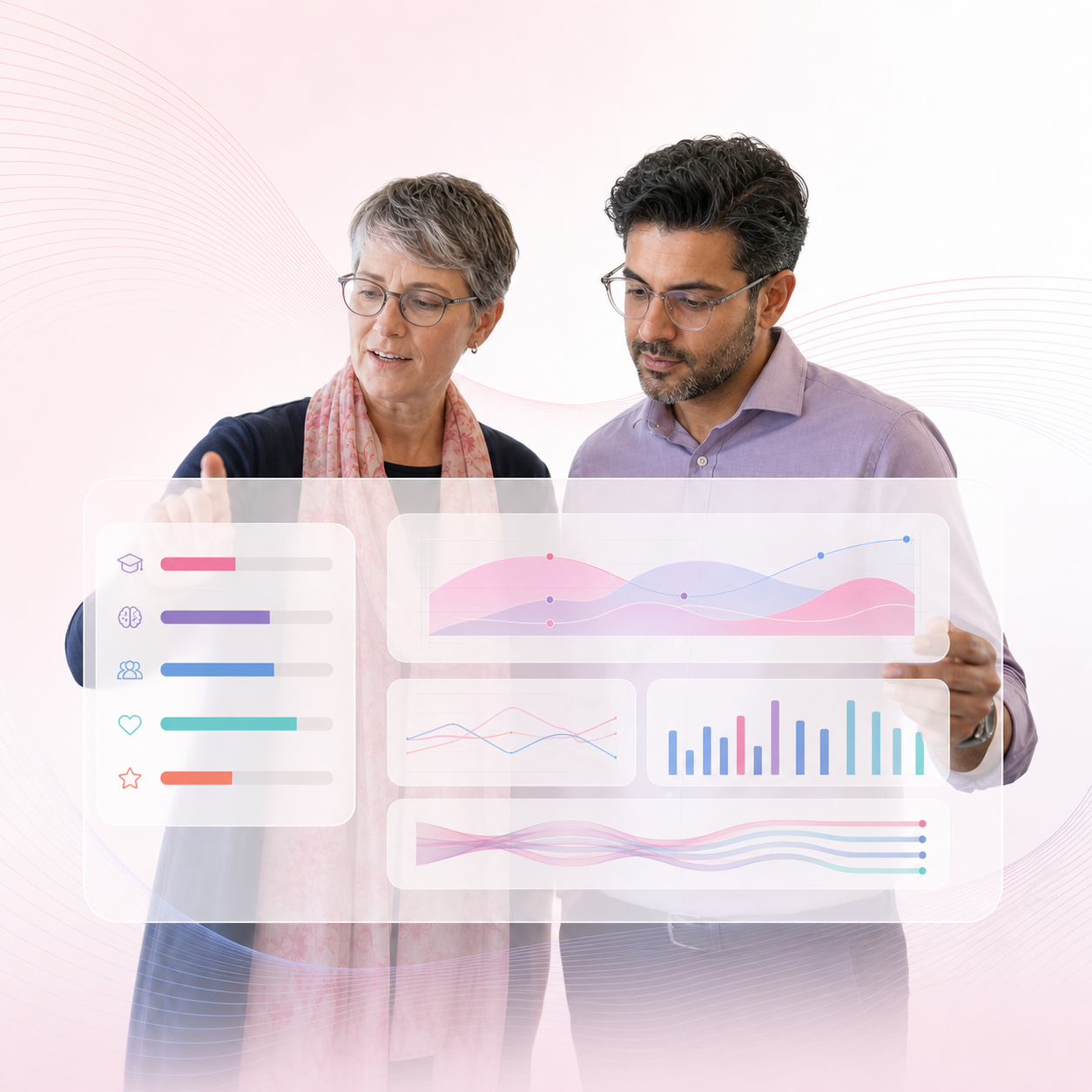
See how Intelliview fits your learning environment, turns activity into evidence, and keeps educators at the center of decisions.
An LMS organizes and delivers courses, while video platforms manage and enhance content. Intelliview works alongside those systems. Unlike a conventional learning analytics platform, it interprets activity inside the learning experience—such as performance, confidence, difficulty, questions, and content use—and connects those signals to competencies, faculty decisions, and program evidence.
Grades and completion data show only part of the learning story. Intelliview adds context from within the experience: where learners struggle, how confident they feel, which concepts prompt questions, and how performance relates to defined outcomes. Faculty can use that connected evidence to guide support, refine instruction, and strengthen continuous-improvement and accreditation work.
Yes. Intelliview can support an institution’s own curriculum, Strelis Programs, or a combination of both. Existing lectures and approved learning materials can be brought into a structured environment where faculty can add interactive checks and connect learning activity to objectives, competencies, and program evidence while retaining control over curriculum and instruction.
See Intelliview in context
Show us how your program teaches today, and we’ll demonstrate how Intelliview can connect learning, competency, and evidence.
Request a Demo| Capability | What Intelliview provides |
|---|---|
| Interactive learning | Embedded questions, reflections, confidence checks, difficulty markers, notes, transcripts, and chapters. |
| AI-assisted authoring | Tools that help faculty organize content and suggest objectives and assessment questions for review. |
| Privacy and data protection | Student records stay isolated by institution, personal info is removed before any AI request, programs can opt out of sharing identifiable data, and FERPA deletion is supported. |
| Competency alignment | Connections among content, assessments, competencies, EPAs, and accreditation standards across PT, OT, PA, Nursing, and an expanding range of health professions disciplines. |
| Learning intelligence | Insight into performance, confidence, difficulty, questions, help-seeking, and content use. |
| Student support | Practice and review tools, content-grounded assistance, and signals that help identify where support may be useful. |
| Faculty insight | Role-based dashboards showing learner progress, engagement, and emerging areas of concern. |
| Program evidence | Connected learning and assessment data to support curriculum review, continuous improvement, and accreditation preparation. |
| LMS and data connections | Runs inside your LMS via LTI 1.3 with grade passback; import from video, YouTube, PDF, SCORM, Vimeo. Moodle grade adapter in pilot / early access. |
See how Intelliview can help your faculty understand learning more clearly and build stronger evidence for program decisions.